Best 6 Automation Testing Tools for Seamless Quality Assurance
Manual testing can’t keep pace with modern CI/CD pipelines. Teams that rely on manual checks alone often become bottlenecks, delaying releases and frustrating developers. Test automation solves this problem by running thousands of checks in minutes instead of days.
But here’s the catch: finding the right automation tool can feel overwhelming. The market includes everything from script-heavy frameworks that require coding expertise to AI-native platforms that write and fix tests on their own. Some tools specialize in web testing, while others focus on mobile apps or enterprise applications like SAP and Oracle.
This guide walks through six top-tier automation testing tools. Each one brings something different: some use AI to reduce maintenance, others provide prebuilt test libraries for ERP systems, and a few offer real-device testing across global networks. All six integrate cleanly into modern development workflows and deliver measurable business results. Let’s break it down.
How to Select Top Automation Testing Tools
The tools featured here were chosen based on market leadership, technology leadership, user feedback, and the ability to solve real problems. All data is current as of late 2026.
Here are the five criteria used for selection:
- Intelligent Automation: Tools that use AI to create tests, heal broken tests, and reduce maintenance work.
- Application Focus: Strength in specific areas like web, mobile, API, or packaged enterprise software.
- Ease of Use: Low-code or no-code options that allow non-developers to contribute to test automation.
- CI/CD Compatibility: Smooth connections with Jenkins, GitHub Actions, and project management tools.
- Industry Recognition: Awards, analyst rankings from Gartner or Forrester, and customer testimonials.
List of the Best Automation Testing Tools
These six platforms represent different strengths across the automation testing spectrum:
- 1) Functionize
- 2) Mabl
- 3) ACCELQ
- 4) Opkey
- 5) Panaya
- 6) HeadSpin
Best Automation Testing Providers
1) Functionize
- Founded: 2014
- Headquarters: San Francisco, CA
- Key Feature: Generative AI for test creation from natural language (testGPT)
- Recognition: “Best Corporate Innovation in AI” (AIconics)
- Core Technology: Patented AI-native “Self-Heal” for test maintenance
Functionize built its platform around autonomous testing agents. These agents convert requirements written in plain English into full test scripts. When your application UI changes, the system uses machine learning to detect what broke and fixes the tests automatically. This means QA teams spend less time maintaining tests and more time expanding coverage. The platform targets two of the most frustrating parts of automation: building tests from scratch and fixing them after every release.


Best For: Enterprise teams looking to achieve autonomous, low-maintenance regression testing.
Standout Feature: AI-native “Self-Heal” technology that repairs broken tests automatically.
2)Mabl
- Founded: 2017
- Headquarters: Boston, MA
- Key Feature: Low-code unified platform for web, API, and mobile testing
- Recognition: 5-time winner of the AI Breakthrough Award for “Best AI-Based Solution for Engineering”
- Key Customers: Microsoft, Charles Schwab, JetBlue
Mabl gives every team member a way to contribute to test automation, not just engineers. The low-code interface lets QA professionals and product managers build tests without writing scripts. The AI engine runs in the background, identifying flaky tests, suggesting fixes, and maintaining test health over time. What sets Mabl apart is its unified approach: you don’t need one tool for web testing, another for APIs, and a third for performance. Everything lives on one platform, which simplifies workflows and reduces tool sprawl.
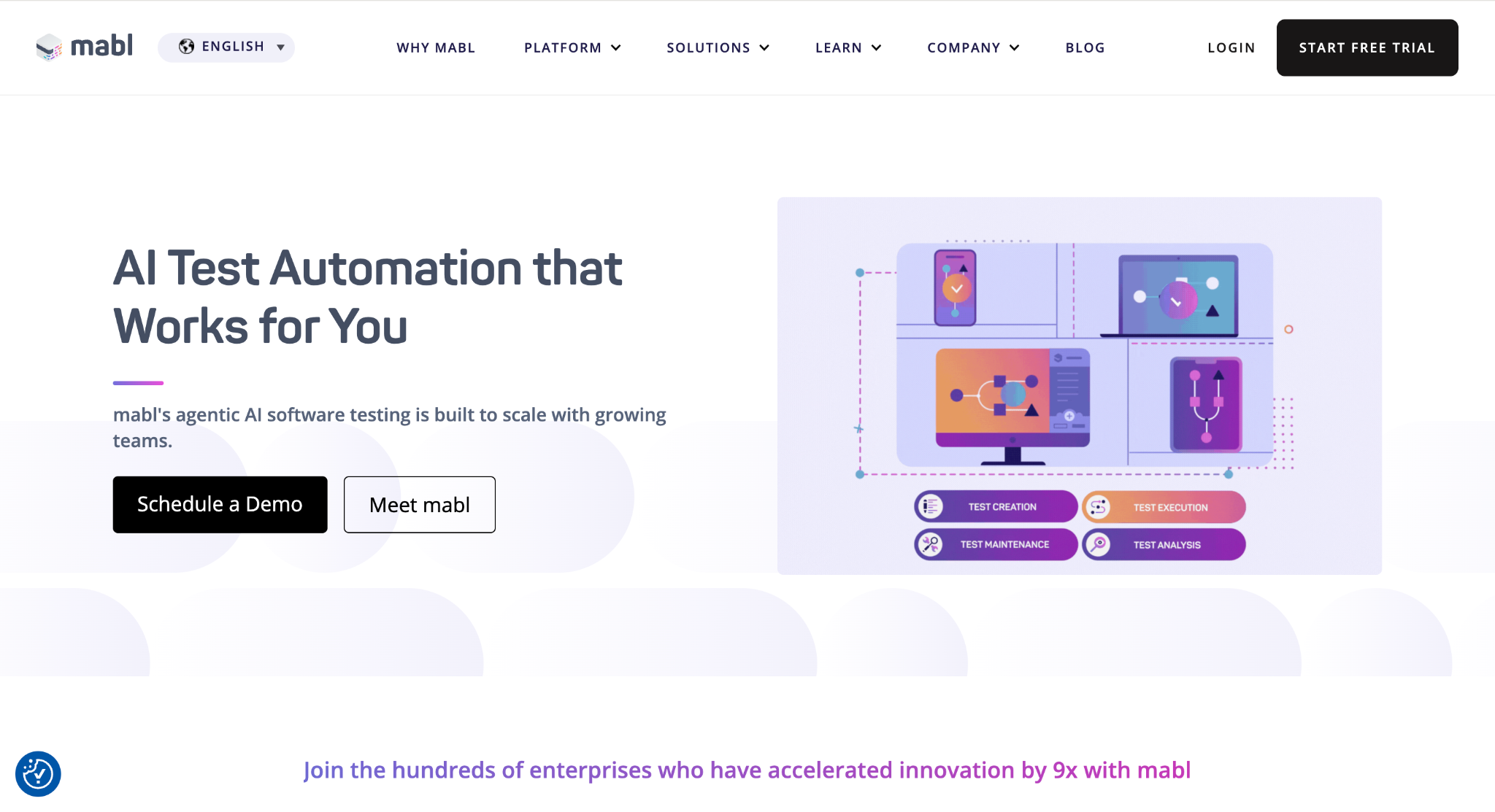

Best For: Quality engineering teams wanting a single, AI-enabled platform for end-to-end testing.
Standout Feature: A unified platform for web, mobile, API, accessibility, and performance testing.
3)ACCELQ
- Founded: 2014
- Headquarters: Dallas, TX
- Key Feature: Codeless automation based on “Natural Language Programming”
- Recognition: Named a Leader in the Gartner Magic Quadrant for Automation Testing
- Application Focus: Strong specialization in Salesforce, nCino, and other packaged applications
ACCELQ takes a completely codeless approach. Business analysts and manual testers can create automated test flows by describing what they want in plain language. The platform then converts those descriptions into executable tests. ACCELQ shines in the Salesforce ecosystem, where companies often customize their CRM heavily. The “Universe” visual blueprint maps out all test flows and dependencies, making it easy to see what will break if you change a particular field or workflow.
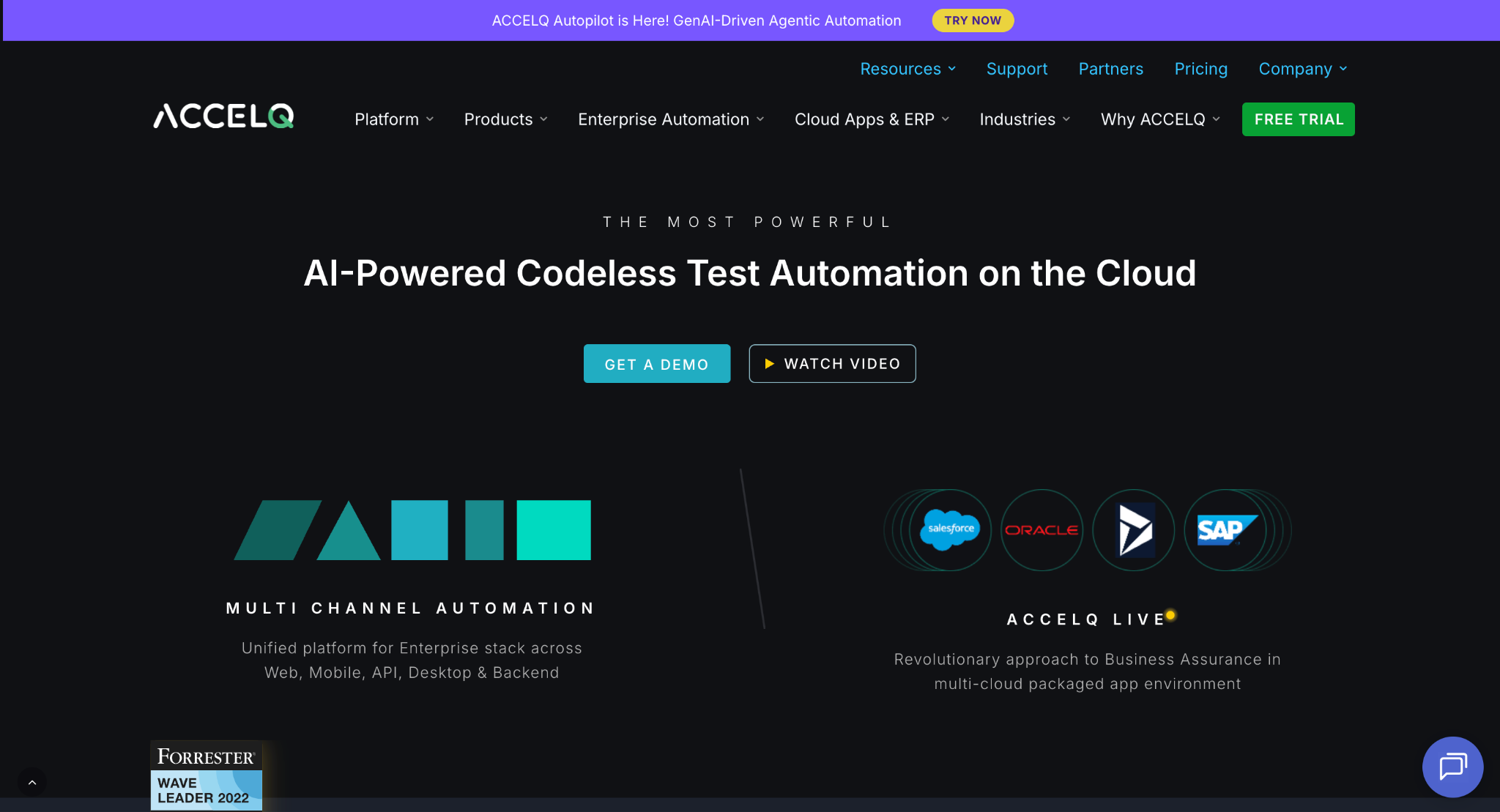

Best For: Agile teams and business analysts needing a codeless solution, especially for Salesforce.
Standout Feature: “Universe” visual blueprint for test design and impact analysis.
4)Opkey
- Founded: 2015
- Headquarters: Dublin, CA
- Key Feature: No-code platform with over 30,000 pre-built tests for packaged apps
- Recognition: #1 rated app on the Oracle Cloud Marketplace and official Workday partner
- Application Focus: Deep support for over 14 enterprise applications including Oracle, SAP, and Workday
Opkey was built for one job: testing enterprise applications during updates and migrations. Instead of building tests from scratch, teams can pull from a library of 30,000+ pre-built test cases covering common ERP and CRM workflows. When Oracle releases a quarterly update, Opkey’s AI scans the changes and suggests which tests to run based on risk. This approach lets companies move from a six-month testing cycle down to weeks, reducing the cost and risk of staying current with vendor updates.
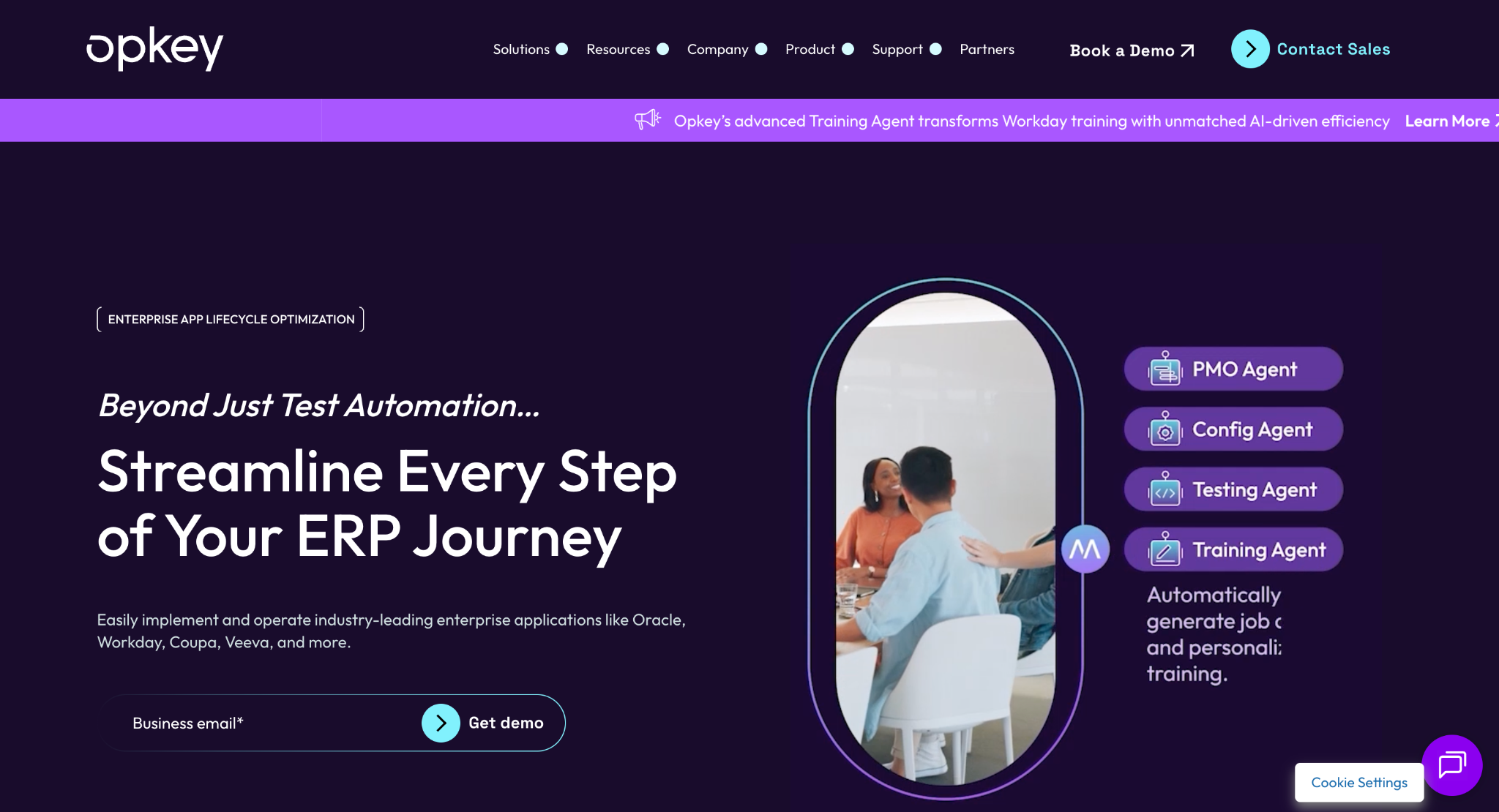

Best For: Enterprises that need to de-risk and accelerate testing for packaged app updates.
Standout Feature: A library of 30,000+ pre-built, automated test cases for major ERPs.
5)Panaya
- Founded: 2006
- Headquarters: Hod HaSharon, Israel / Hackensack, NJ
- Key Feature: “Change Intelligence” platform for risk-based testing
- Recognition: QA Vector “User Experience Testing Vendor of the Year”
- Application Focus: Deep specialization in SAP, Oracle, and Salesforce ecosystems
Panaya approaches ERP testing differently. Its Change Intelligence engine analyzes what changed in your codebase and predicts which workflows are at risk. Instead of running your entire regression suite, you focus testing on the areas most likely to fail. This dramatically reduces test scope during SAP or Oracle upgrades. For teams managing large ERP implementations, this risk-based approach can cut testing effort by 50% or more while maintaining confidence.
Best For: Large enterprises managing complex ERP upgrade and migration projects.
Standout Feature: Change Impact Analysis that provides risk-based test suggestions.
6)HeadSpin
- Founded: 2015 (Acquired by PartnerOne in 2024)
- Headquarters: Sunnyvale, CA
- Key Feature: Global Device Infrastructure with real, SIM-enabled devices
- Recognition: SOC 2 Type II & SOC 3 Compliance
- Core Technology: AI-guided Digital Experience Intelligence (DXI)
HeadSpin doesn’t use emulators or simulators. It gives you access to thousands of real mobile devices spread across 90+ countries, connected to actual carrier networks. This matters because performance issues often show up only under real network conditions.
Best For: Mobile-first companies needing to validate real-world performance globally.
Standout Feature: Access to thousands of real devices in over 90 countries.
Factors to Consider When Choosing an Automation Testing Tool
Skillset of Your Team
Consider who will build and maintain your tests. If your QA team includes many manual testers without coding backgrounds, a no-code tool like ACCELQ or Opkey makes sense. If your team includes skilled automation engineers comfortable with scripting, you have more flexibility. A low-code platform like Mabl offers a middle ground, giving non-coders access while still allowing engineers to write custom code when needed.
Application Scope
Match the tool to what you’re testing. If you’re running Oracle or SAP with heavy customizations, a specialized platform like Panaya or Opkey will save months of setup time. If you’re testing a consumer mobile app across different markets, HeadSpin’s real-device infrastructure becomes critical. Web-based SaaS products benefit most from platforms like Functionize or Mabl that handle modern web frameworks well.
The True Cost of Maintenance
License fees are just one piece of total cost. The bigger expense is the time your team spends fixing broken tests after every release. Traditional script-based tools can require 30-40% of QA time just keeping tests running. Tools like Functionize with self-healing capabilities or Mabl with AI-assisted maintenance can cut that time by 50-80%. Run the math: if you have five QA engineers spending 10 hours a week on test maintenance, that’s 2,600 hours per year. Cutting that in half pays for a lot of software licenses.
Real vs. Emulated Testing
Emulators are convenient and cheap, but they don’t capture real-world behavior. Network latency, carrier-specific issues, and device-specific bugs won’t appear in an emulator. For consumer apps where user experience directly affects revenue, real-device testing catches problems that simulations miss. If you’re building internal enterprise tools, emulation might be sufficient.
Ability to Scale
CI/CD pipelines demand speed. If your test suite takes six hours to run, you can’t deploy multiple times per day. Look for platforms that can run hundreds or thousands of tests in parallel. Cloud-native tools scale instantly, spinning up containers on demand. This means a 10-hour test suite can be completed in 20 minutes when spread across 30 parallel threads.
Final Thoughts
The right automation tool fits your team’s skills, your application architecture, and your release cadence. There’s no universal best choice.
Before you commit budget and time, run a proof-of-concept. Pick two or three top candidates and test them on a small but critical part of your application. Set clear success metrics: How long does it take to create tests? How often do tests break when nothing actually failed? Can the tool scale to your full suite?
Remember, the goal isn’t to pick the fanciest technology. The goal is faster releases and higher quality. Choose the tool that helps you hit those targets.