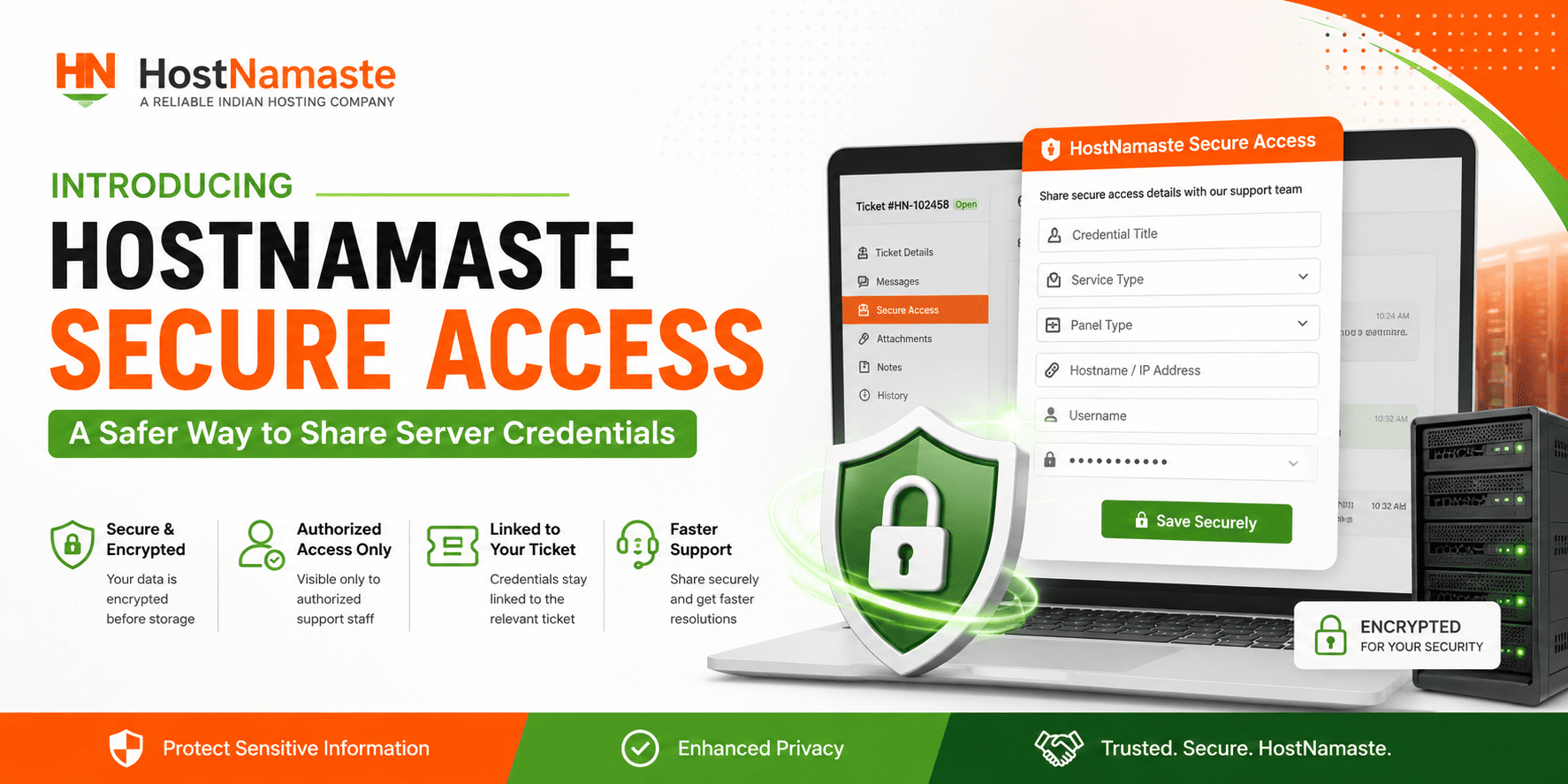
At HostNamaste, we continuously work to improve both the security and convenience of our hosting services. Today, we are pleased to introduce HostNamaste Secure Access, a new feature integrated directly into our support ticket system that allows clients to securely share server credentials and sensitive login information with our support team.
Why We Created Secure Access
When troubleshooting technical issues, our support team may occasionally require access credentials such as:
- VPS Root Login Details
- SSH Access Credentials
- cPanel / WHM Logins
- Plesk Administrator Credentials
- DirectAdmin Access Information
- Virtualizor Panel Credentials
- Website Administration Access
- Database Login Information
Traditionally, clients often shared these details directly within support ticket replies. While convenient, this method is not ideal for handling sensitive information.
HostNamaste Secure Access provides a dedicated and secure method for sharing these credentials when necessary.
What Is HostNamaste Secure Access?
Secure Access is a built-in feature available within support tickets that allows customers to submit credentials through a dedicated secure form instead of posting them in standard ticket replies.
The submitted information is securely stored and associated with the relevant support ticket, making it easier and safer for our team to assist you.
Key Benefits
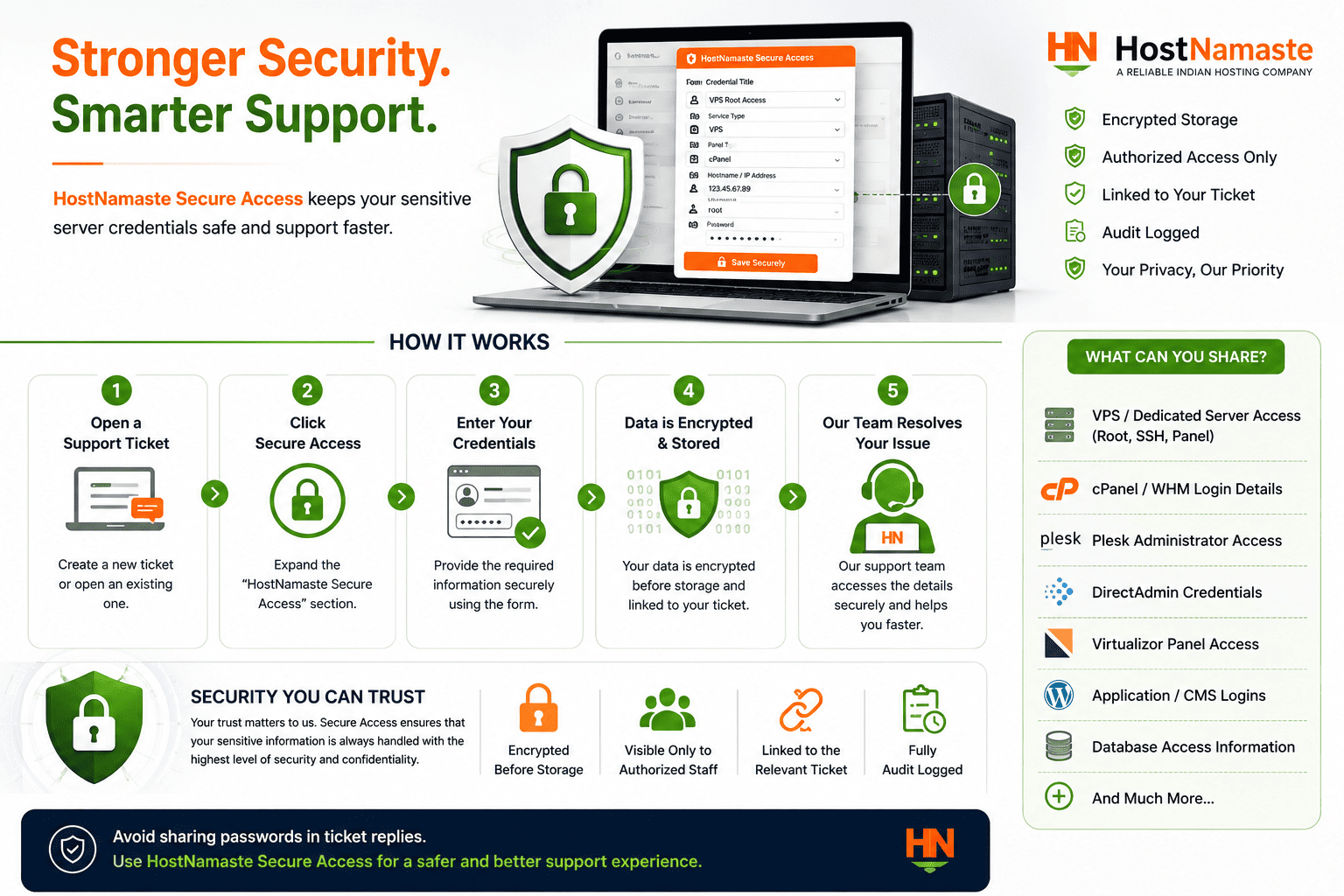
Enhanced Security
Sensitive information is separated from regular ticket conversations and handled through a dedicated credential-sharing interface.
Encrypted Credential Storage
Passwords submitted through Secure Access are encrypted before storage.
Faster Support Resolution
Our technicians can quickly access the information needed to investigate and resolve issues without multiple back-and-forth requests.
Improved Organization
Credentials remain linked to the specific support ticket where they are required, improving workflow and reducing confusion.
Controlled Access
Credential information is accessible only to authorized HostNamaste support staff involved in resolving your request.
Secure Access supports a wide variety of credential types, including:
VPS and Dedicated Servers
- Root User Credentials
- SSH Access Information
- Server Management Panel Access
- cPanel Login Credentials
- FTP Credentials
- Database Access Information
Control Panels
- WHM
- Plesk
- DirectAdmin
- Virtualizor
- CyberPanel
- ISPConfig
- HestiaCP
- aaPanel
Custom Applications
- WordPress Administrator Access
- CMS Login Information
- Development Environment Credentials
How to Use Secure Access
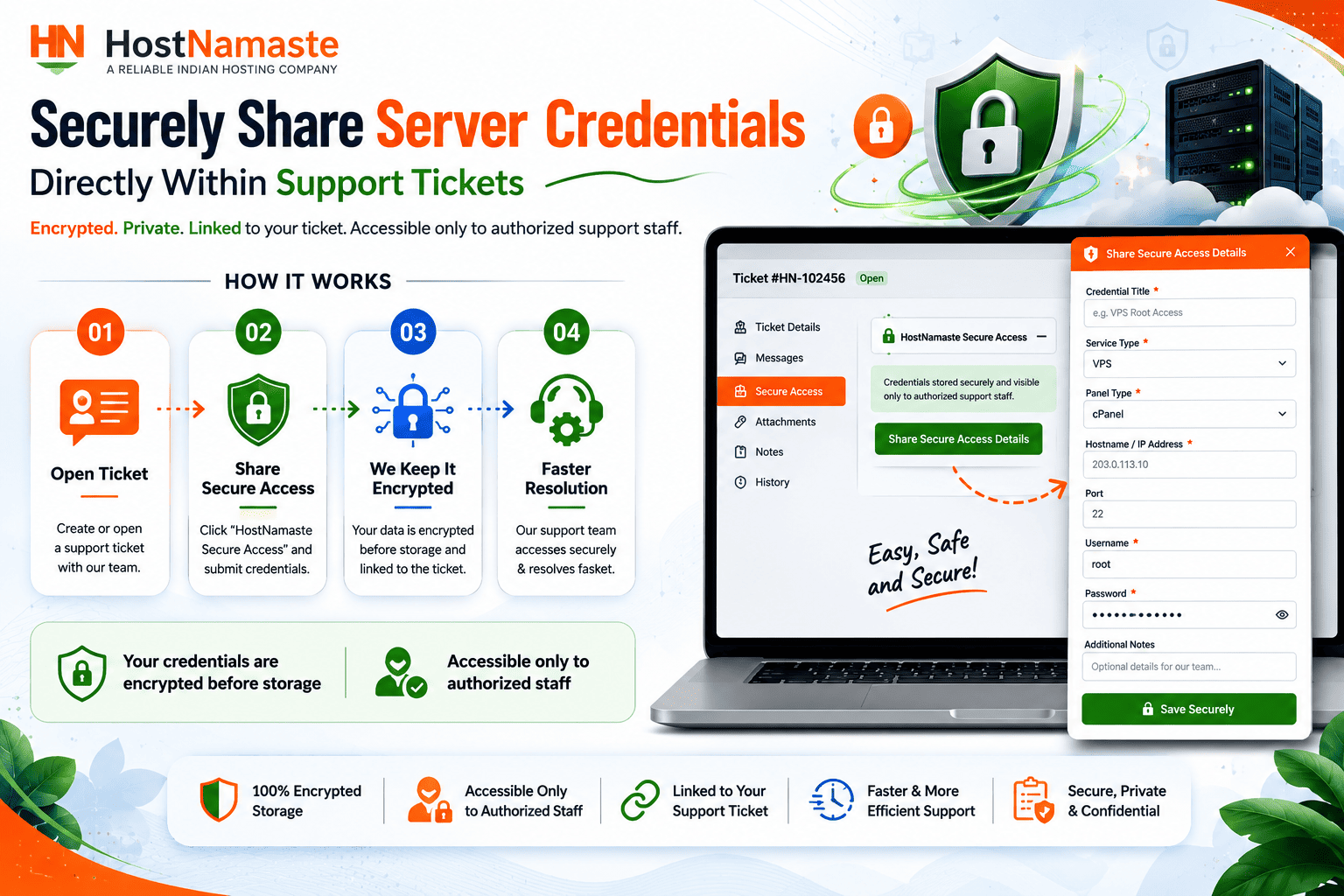
Using Secure Access is simple:
Step 1
Open an existing support ticket or create a new support ticket.
Step 2
Locate the HostNamaste Secure Access section within the ticket.
Step 3
Click Share Secure Access Details.
Step 4
Enter the requested information, including:
- Credential Title
- Service Type
- Panel Type
- Hostname or IP Address
- Username
- Password
- Additional Notes
Step 5
Submit the information securely.
Our support team will then be able to access the credentials when assisting with your request.
Security Best Practices
While Secure Access provides a safer way to share credentials, we also recommend:
• Sharing credentials only when requested by HostNamaste support staff.
• Updating passwords after troubleshooting is completed if desired.
• Avoiding the use of the same password across multiple services.
• Using strong and unique passwords whenever possible.
Industry security organizations such as the OWASP Foundation recommend following strong password practices and avoiding weak or predictable passwords. You can learn more about password security recommendations from the OWASP Password Security Guidelines.
Our Commitment to Security
Security has always been a core focus at HostNamaste. Secure Access is another step toward providing a safer hosting experience while maintaining the high level of support our customers expect.
By reducing the need to post credentials directly within ticket replies, we can help protect sensitive information and improve the support process for everyone.
Available Now
HostNamaste Secure Access is available immediately to all clients through our support ticket system.
If our support team requests server or account access, simply use the Secure Access option within your support ticket to securely provide the required information.
Thank you for choosing HostNamaste.
We remain committed to continuously improving our platform, security, and customer experience.
Also Read: How to Enable Two Factor Authentication From HostNamaste Client Area – 2FA – HostNamaste.com